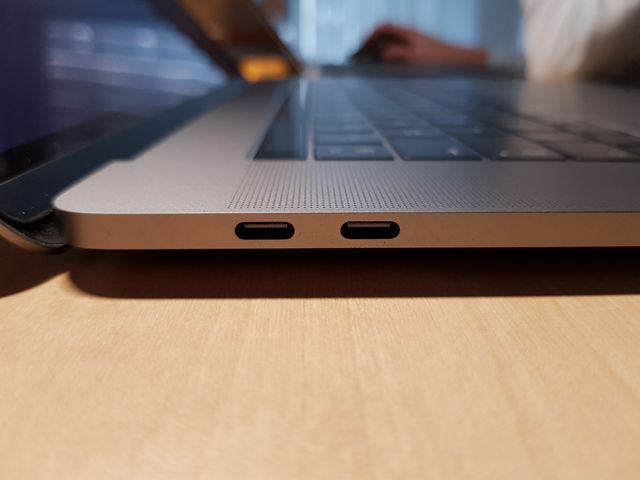
Some people hate touch-bar on Apple MacBook Pro, some hate USB-C even more, some say you need another set of expensive dongles and loads of other things and reasons why they find USB-C frustrating. What I can only say: stop complaining!
Old USB connectors were here for a while now and they did not offer neither huge convenience, neither such powerful features what USB-C can easily offer without any dongles! Of course your entire devices stack and gadgets have to be up to date to live the dongle-free life with USB-C, however even if not everything has USB-C yet, there are very good solutions.


Make your life easier with USB-C in couple of ways:
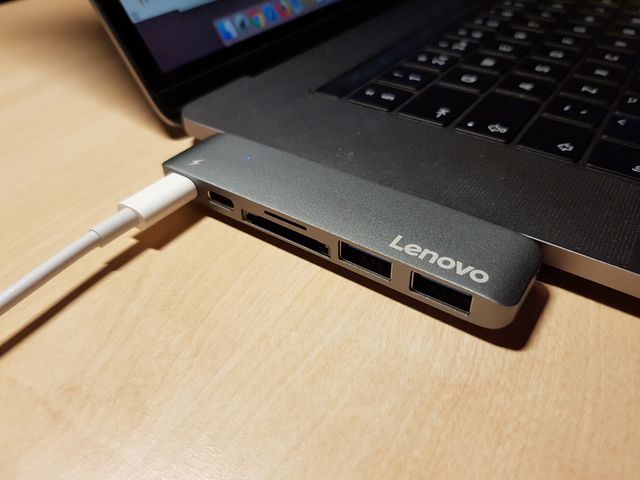
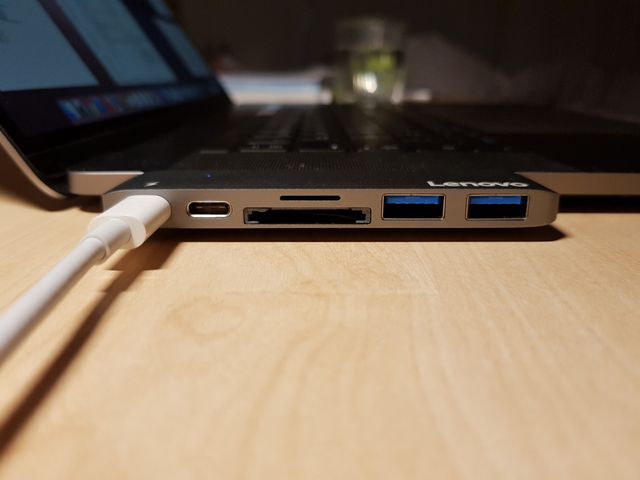
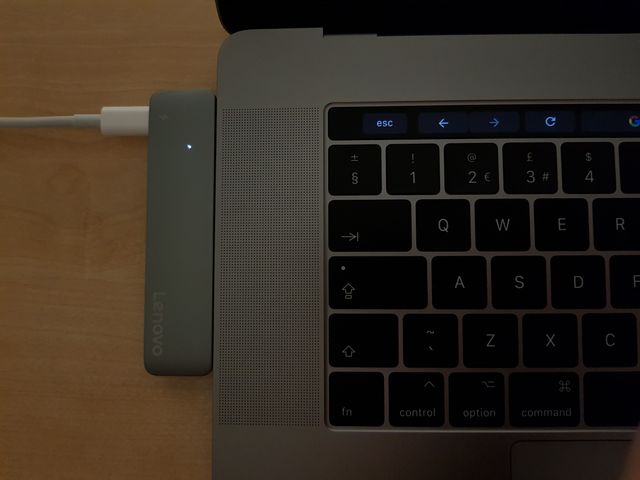
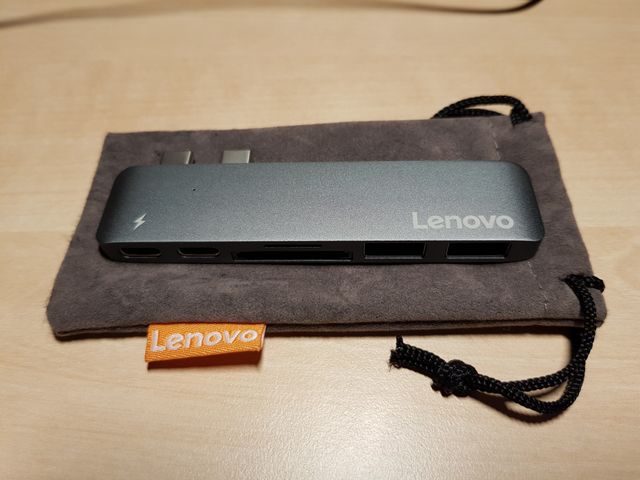
- get one adaptor to support multiple ports at once and loose zero of your USB-C ports. For example get one from Lenovo – the “USB-C Hub Adapter for MacBook Pro” & enjoy 2xUSB 3.0A, 2x USB-C, two slots of card reader for microSD and SD cards. Some other manufacturers may even offer HDMI if you need one.
- get USB-C cable for your old monitor
The treats of USB-C:
- no more power cables when connecting to monitors via USB-C. You can charge and use screen connected to your MacBook via same USB-C wire. Spoiler: you will need up-to-date USB-C monitor. With old monitors unfortunately… you’ll have to use additional wire i.e. USB-C to DisplayPort which will not provide this perk.
- i.e. you have a USB-C phone, and the USB-C monitor of course – plug the phone and use it!
Cheers!